








Das eBook.de Hörbuch Abo - jederzeit, überall, für nur 7,95 € monatlich!
Jetzt entdecken
mehr erfahren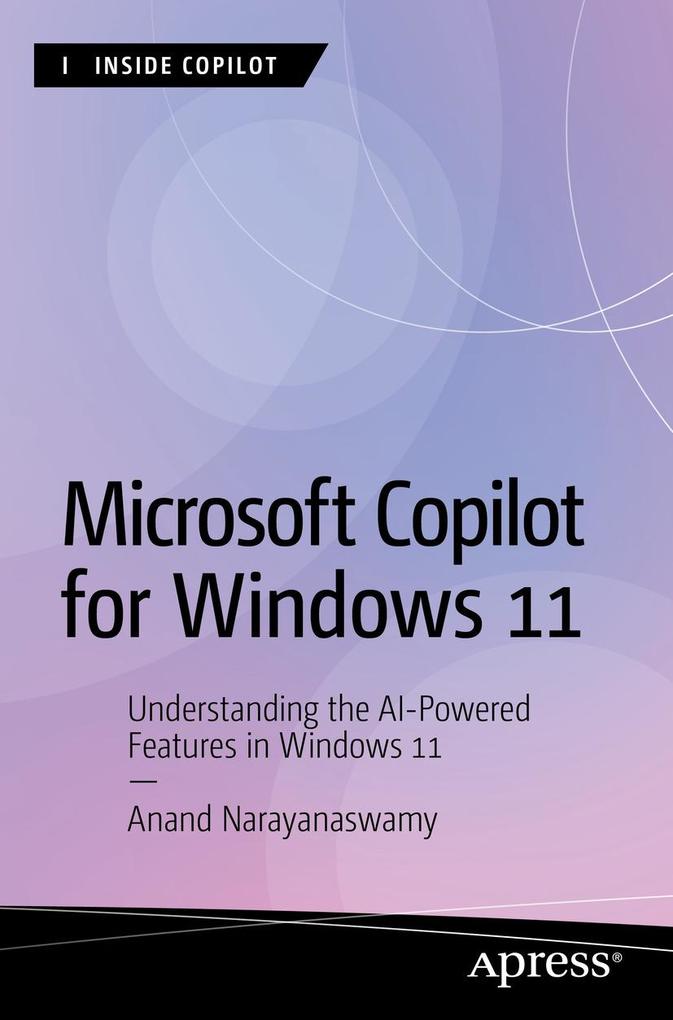
Discover and learn how to use Copilot with Windows 11. This book will help you understand the AI-driven functionalities within Copilot and how they can elevate both your productivity and creativity.
The book begins with the evolution of Generative AI and Microsoft Copilot, including steps to work with the AI chatbot using Windows 11, Microsoft Edge, and Skype, in addition to the web. The book provides a detailed understanding of plugins, including the creation of AI songs. You will also learn the process involved with Image creation and the working of Microsoft Designer.
You will master the use of the Copilot Windows app, followed by coverage of devices with Copilot key and trending Copilot+ PCs. You also will learn about important terms associated with AI and Copilot and additional resources. After reading this book, you will be able to work with Copilot features in Windows 11 and make the most of them.
What You Will Learn
Who This Book Is For
Windows administrators and Copilot enthusiasts
Inhaltsverzeichnis
Chapter 1: Evolution of Microsoft Copilot. - Chapter 2: Working with Copilot in Windows 11 - Part 1. - Chapter 3: Working with Copilot in Windows 11 - Part 2. - Chapter 4: Working with Copilot using Microsoft Edge. - Chapter 5: Working with Copilot using Bing. - Chapter 6: Working with Copilot using Skype. - Chapter 7: Working with Copilot Web. - Chapter 8: Working with Image Creator. - Chapter 9: Working with Microsoft Designer. - Chapter 10: Using Copilot in Microsoft 365. - Chapter 11: Learning Microsoft Copilot with Windows app. - Chapter 12: Devices with Copilot Key. - Chapter 13: Introducing Copilot+ PCs. - Appendix 1: Glossary. - Appendix 2: Additional Resources.
Es wurden noch keine Bewertungen abgegeben. Schreiben Sie die erste Bewertung zu "Microsoft Copilot for Windows 11" und helfen Sie damit anderen bei der Kaufentscheidung.