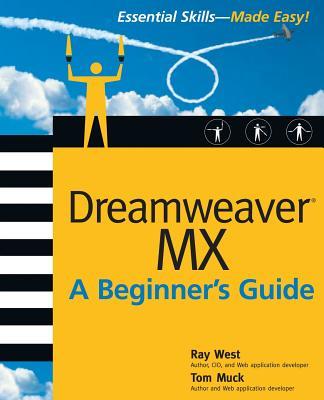
Essential Skills--Made Easy!Develop and deploy Web sites with Macromedia's unique Dreamweaver MX development environment. Get a complete introduction to this popular software's tools, features, and potent functionality. Web experts Ray West and Tom Muck will lead you through all the essentials while focusing on real-world implementation. Begin with basic site construction and design principles, make data and content decisions, and then build your site with tables, forms, behaviors, and other Web development components. Create server-side scripts, dynamic Web applications, and database-driven content while working simultaneously with source code and visual design. Learn to easily work with ASP--plus, learn the basics of ASP.NET, JSP, PHP, and ColdFusion.Designed for Easy Learning: Modules--Each concept is divided into logically organized modules (chapters), ideal for self-paced learning Critical Skills--Each module opens with the specific skills covered in the module Mastery Checks--End-of-module reviews test knowledge using short-answer, multiple-choice, and fill-in-the-blank questions Ask the Experts--Q&A sections throughout are filled with bonus information and helpful tips Progress Checks--Quick self-assessment sections check your progress Projects--Practical exercises show how to apply the critical skills learned in each module Annotated Syntax--Example code annotated with commentary describes the programming techniques being illustrated
Inhaltsverzeichnis
Part I: Get Started with Dreamweaver MX 1: Dreamweaver MX: Your Connection to the Internet 2: The Dreamweaver MX Environment 3: Creating a Web Page 4: Creating a Web Site 5: Adding Content to Your Site Part II: Creating Web Applications With Dreamweaver MX 6: Planning the Site 7: Essential Language Components 8: Creating a Database 9: Choosing Your Database and Connecting to It 10: A SQL Primer Part III: Working with Your Data 11: Displaying Your Data 12: Searching Your Data 13: Recordset Navigation 14: Creating Dynamic Form Objects 15: Inserting, Updating, and Deleting Data 16: User Registration, Login, and Site Security Part IV: Adding Advanced Features to Your Site 17: Extensions and the Extension Manager 18: Troubleshooting Your Site Part V: Appendixes A: Mastery Check Answers B: Additional Resources