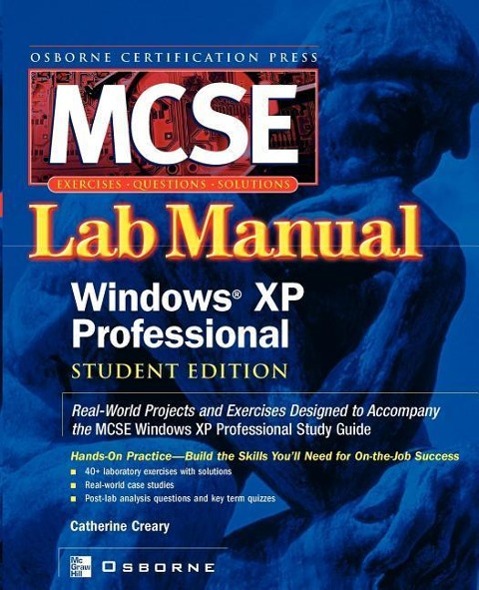
This study guide features labs that challenge students to solve problems based on realistic case studies. Its clear measurable lab objectives map to certification objectives, and lab analysis tests offer context-oriented assessment of student's comprehension of key concepts.
Inhaltsverzeichnis
Ch. 1: Introduction to Installing, Configuring, and Administering Microsoft Windows XP Professional; Ch. 2: Performing an Attended Installation of Windows XP Professional; Ch. 3: Performing an Unattended Installation of Windows XP Professional; Ch. 4: Configuring and Troubleshooting the Desktop Environment; Ch. 5: Managing Windows XP Hardware; Ch. 6: Configure and Manage I/O Devices; Ch. 7: Configuring Disk Drives and Disk Volumes; Ch. 8: Printing and Faxing; Ch. 9: Resource Administration; Ch. 10: Networking; Ch. 11: Internet Connections, Remote Desktop, and Remote Assistance; Ch. 12: Configuring Managing and Troubleshooting Security; Ch. 13: Monitoring and Optimising System; Performance and Reliability