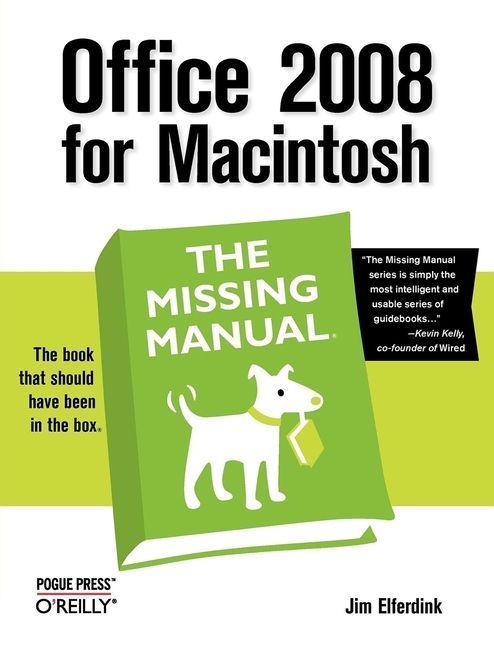
Still the top-selling software suite for Mac users, Microsoft Office has been improved and enhanced to take advantage of the latest Mac OS X features. You'll find lots of new features in Office 2008 for Word, Excel, PowerPoint and Entourage, but not a page of printed instructions to guide you through the changes. Office 2008 for Macintosh: The Missing Manual gives you the friendly, thorough introduction you need, whether you're a beginner who can't do more than point and click, or a power user who's ready to tackle a few advanced techniques.To cover Word, Excel, PowerPoint and Entourage, this guide gives you four superb books in one -- a separate section each for program! You can manage your day and create professional-looking documents, spreadsheets, and presentations in no time. Office 2008 has been redesigned so that the windows, toolbars, and icons blend in better with your other Mac applications. But there are still plenty of oddities. That's why this Missing Manual isn't shy about pointing out which features are gems in the rough -- and which are duds. With it, you'll learn how to: Navigate the new user interface with its bigger and more graphic toolbars Use Word, Excel, PowerPoint, and Entourage separately or together Keep track of appointments and manage daily priorities with the My Day feature Create newsletters, flyers, brochures, and more with Word's Publishing Layout View Build financial documents like budgets and invoices with Excel's Ledger Sheets Get quick access to all document templates and graphics with the Elements Gallery Organize all of your Office projects using Entourage's Project Center Scan or import digital camera images directly into any of the programs Customize each program with power-user techniquesWith Office 2008 for Macintosh: The Missing Manual, you get objective and entertaining instruction to help you tap into all of the features of this powerful suite, so you can get more done in less time.
Inhaltsverzeichnis
The Missing Credits
Introduction
Part I: Word
Chapter 1: Basic Word Processing
Chapter 2: Editing in Word
Chapter 3: Formatting in Word
Chapter 4: Styles, Page Layout, and Tables
Chapter 5: Working Collaboratively
Chapter 6: Working with Notebooks, Outlining, and Master Documents
Chapter 7: Editing Long Documents
Chapter 8: Moving Beyond Text: Publishing Layout View
Chapter 9: Word Meets Web
Part II: Entourage
Chapter 10: Email, Address Book, and Newsgroups
Chapter 11: Calendar, Tasks, and the Project Center
Part III: Excel
Chapter 12: Basic Excel
Chapter 13: Formatting and Charts
Chapter 14: Formula and Database Magic
Part IV: PowerPoint
Chapter 15: Planning and Creating Great Presentations
Chapter 16: Building a PowerPoint Presentation
Chapter 17: Polishing and Presenting in PowerPoint
Part V: Office As a Whole
Chapter 18: Saving Time with the Project Gallery and Toolbox
Chapter 19: Making the Most of Graphics
Chapter 20: Customizing Office
Part VI: Appendixes
Installation and Troubleshooting
The Office Help System
Office 2008, Menu by Menu
Colophon